Auto-build the day, and see it before it lands
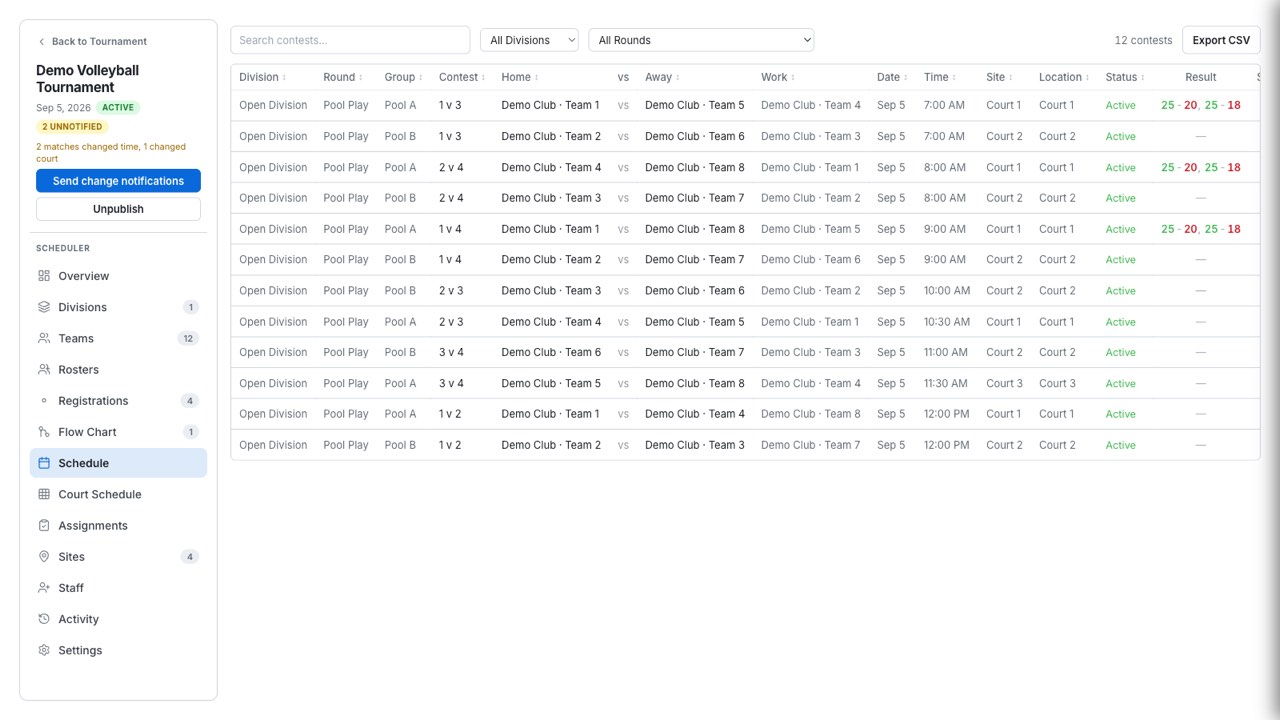
Choose dates, courts, and a wave pattern, then preview every placement. Any group the builder could not place is listed with the reason.
Place a whole pool in one drag
A pool offers a court chip for every court count it can use, with the configured one marked preferred. The drag preview draws one box per planned contest, so lunch and blackout gaps are visible before the drop and conflicting boxes turn red. The layout commits in one batch.
Pools across one to four courts, work team attached
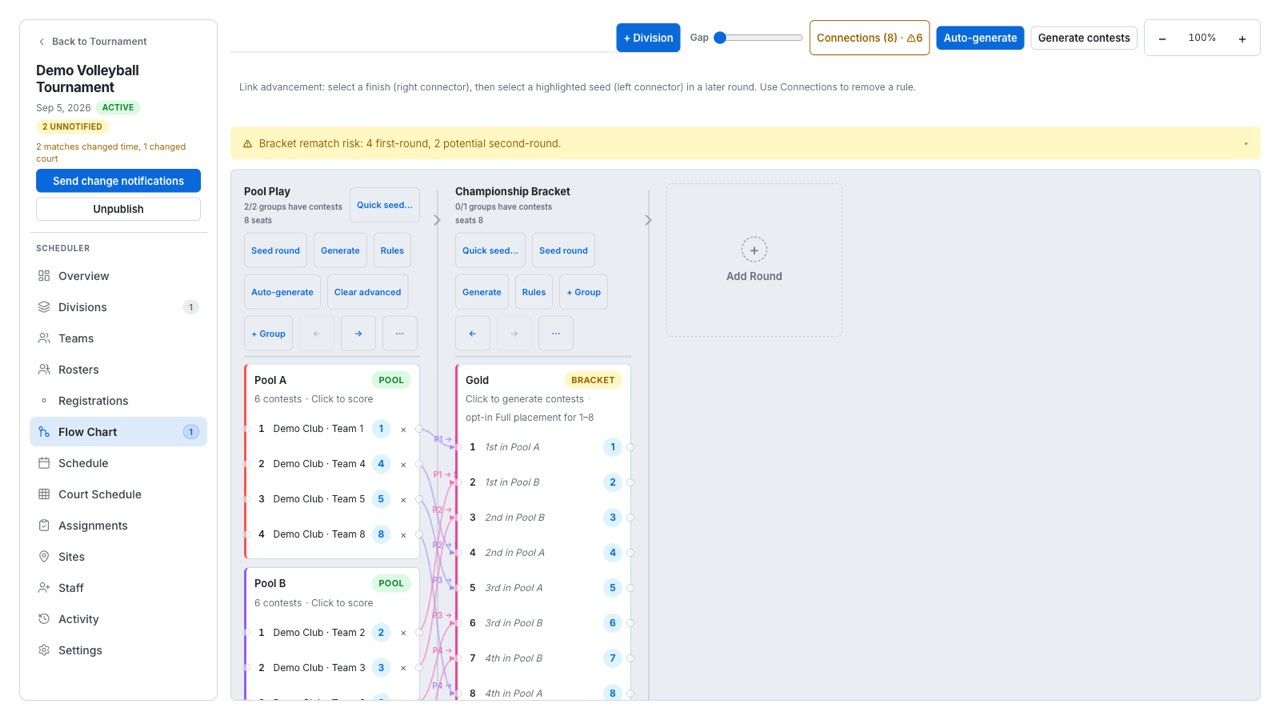
Format maps cover pools of two to eight teams across one to four courts. Each map carries its work-team assignment and court preference — including the standard six- and seven-team work orders — and realigns when the court format changes.
What is refused outright
Court and blackout overlaps, the day window, the lunch band — treated as a court conflict — and warmup and transition gaps all block a placement, and a cascade that would push play across a blackout is refused. A bracket stage dragged ahead of its feeder is refused too.
What is flagged instead
Minimum rest between a team’s obligations is checked and shown as a warning on the block and in the auto-build preview — it does not stop the placement, because sometimes the short turnaround is the right call. Treat a rest warning as a question, not a rejection.
Validation that names the actual collision
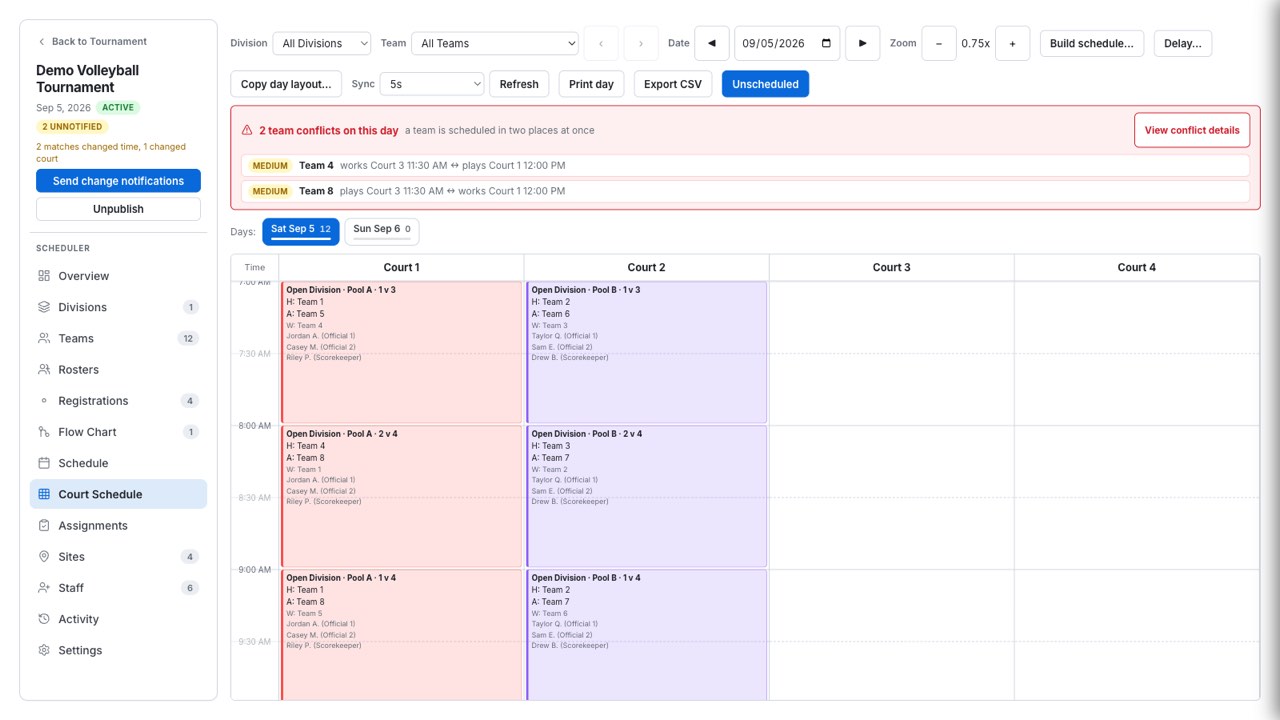
A server-side recheck finds court and blackout overlaps and team double-books scored by role: two playing assignments at once is high severity, a play-versus-work collision medium, two work duties low.
Two people can work the same tournament
When another device writes the schedule, a “Schedule updated elsewhere” modal offers Refresh schedule or Keep editing and says plainly that continuing may overwrite the other editor’s changes. The check interval is yours to set, and your own saves never prompt.
Day-of moves that are reversible
Delay or postpone, swap two contests in one batch, nudge a start with the arrow keys, filter the board to a single team, and work across days with multi-day move, copy-day layout, and an all-days occupancy strip. Undo covers structure deletes and schedule edits.